
How I Built Automatic Employee Time Tracking with Discord, n8n & Oracle APEX
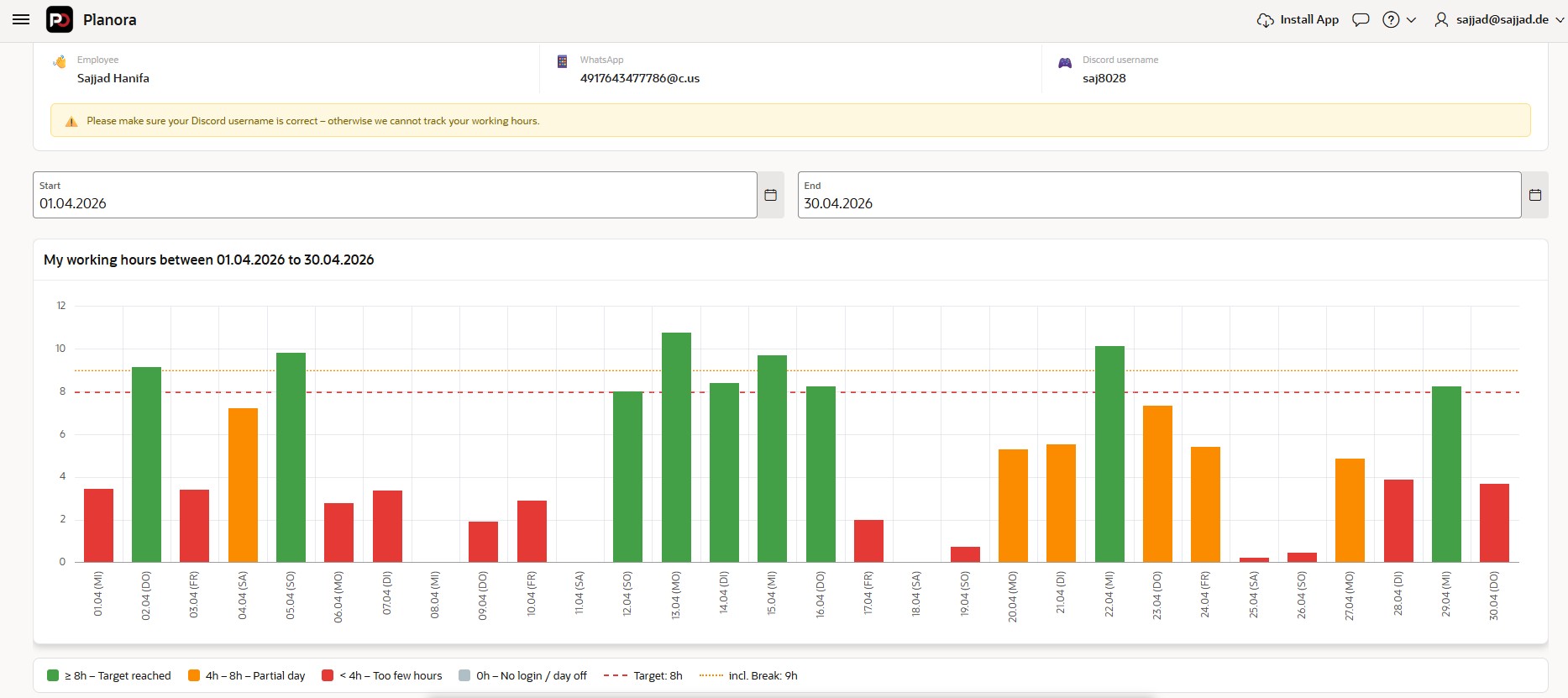
Automatic working hours dashboard in Oracle APEX — no manual entries, ever
Want to see your employees' working hours like this in Oracle APEX — fully automated, without anyone typing a single minute manually?
That's exactly what we built at S&H Software Solutions. And in this article, I'll walk you through how we did it from scratch.
The Problem with Manual Time Tracking
If you run a remote team, you know the pain. Different time zones, different part-time schedules, morning workers, evening workers. That all works fine — until you try to track hours.
Spreadsheets get forgotten. Managers end up chasing people. Someone always has to sit down at the end of the month and calculate everything manually. It's error-prone, it's annoying, and honestly — it's unnecessary.
We solved it with a tool our team was already using every single day: Discord.
The Idea: Discord as a Timeclock
Our employees join a voice channel when they start working and leave when they stop. That's it — that's the whole "clocking in" mechanism. No app, no button, no habit change required.
So we built a listener for exactly those two events:
- Voice Channel Join → Start of work session
- Voice Channel Leave → End of work session
Every event gets stored in Oracle Database with a timestamp. Oracle APEX then visualizes everything in a clean dashboard with daily bars, color coding, and monthly calendars.
👉 Full Tutorial & Source Code on GitHub
What the Stack Looks Like
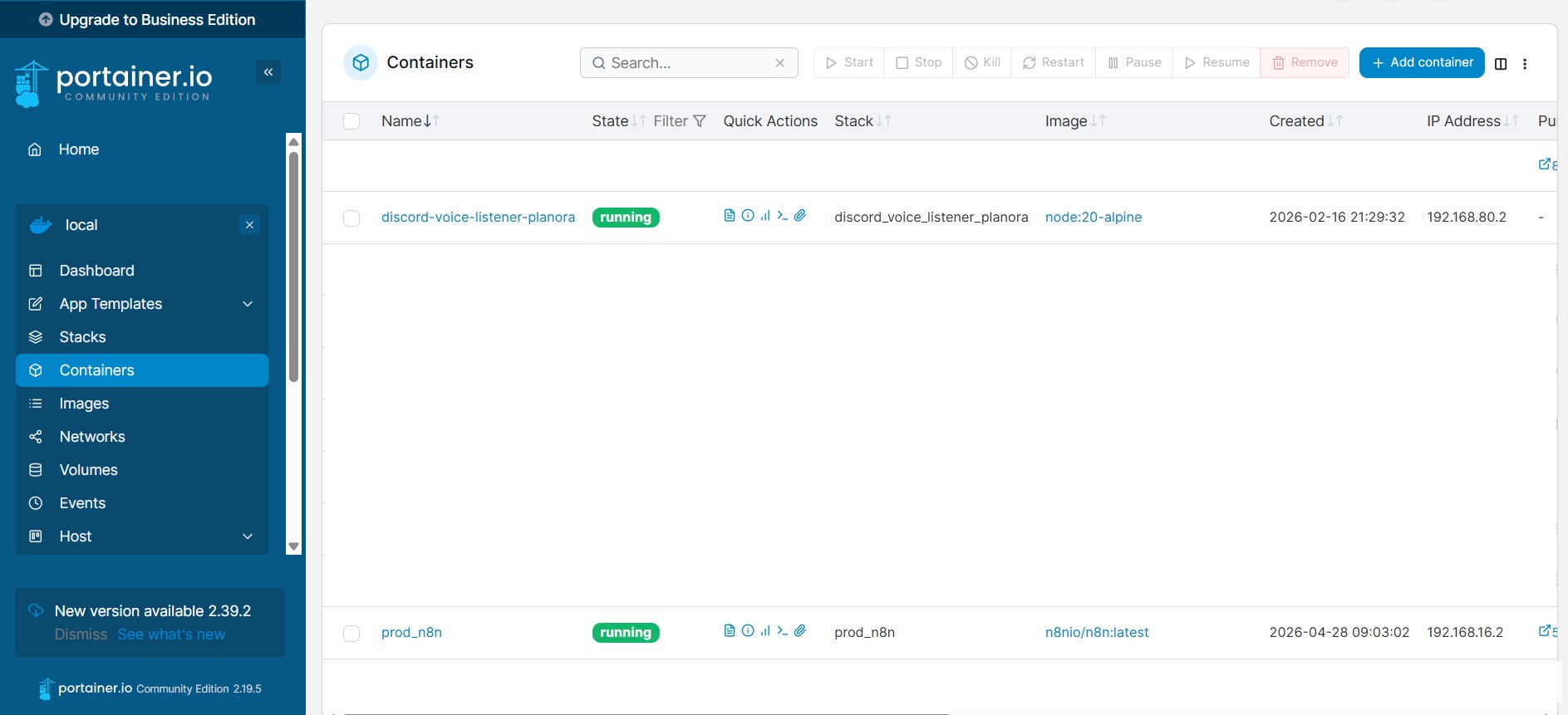
The whole system runs on a Linux server using Docker containers managed via Portainer. Here's the architecture:
The components:
- Discord Bot (Node.js + Discord.js v14) — listens for voice state events in real time
- n8n — receives the events via webhook and routes them into Oracle DB
- Oracle Database — stores all JOIN/LEAVE events with timestamps
- Oracle APEX — visualizes the data on an employee dashboard
- WaAPI — sends a WhatsApp notification every time someone joins or leaves
Step 1 — Setting Up n8n with Docker
We run n8n inside Docker, managed through Portainer. The docker-compose.yml is straightforward:
# See full file on GitHub:
# assets/02_n8n/docker-compose.yml
Step 2 — The Node.js Discord Bot
The Discord bot runs as its own Docker container. It connects to the Discord Gateway and listens for voiceStateUpdate events 24/7.
# See full file on GitHub:
# assets/03_nodejs/docker-compose.yml
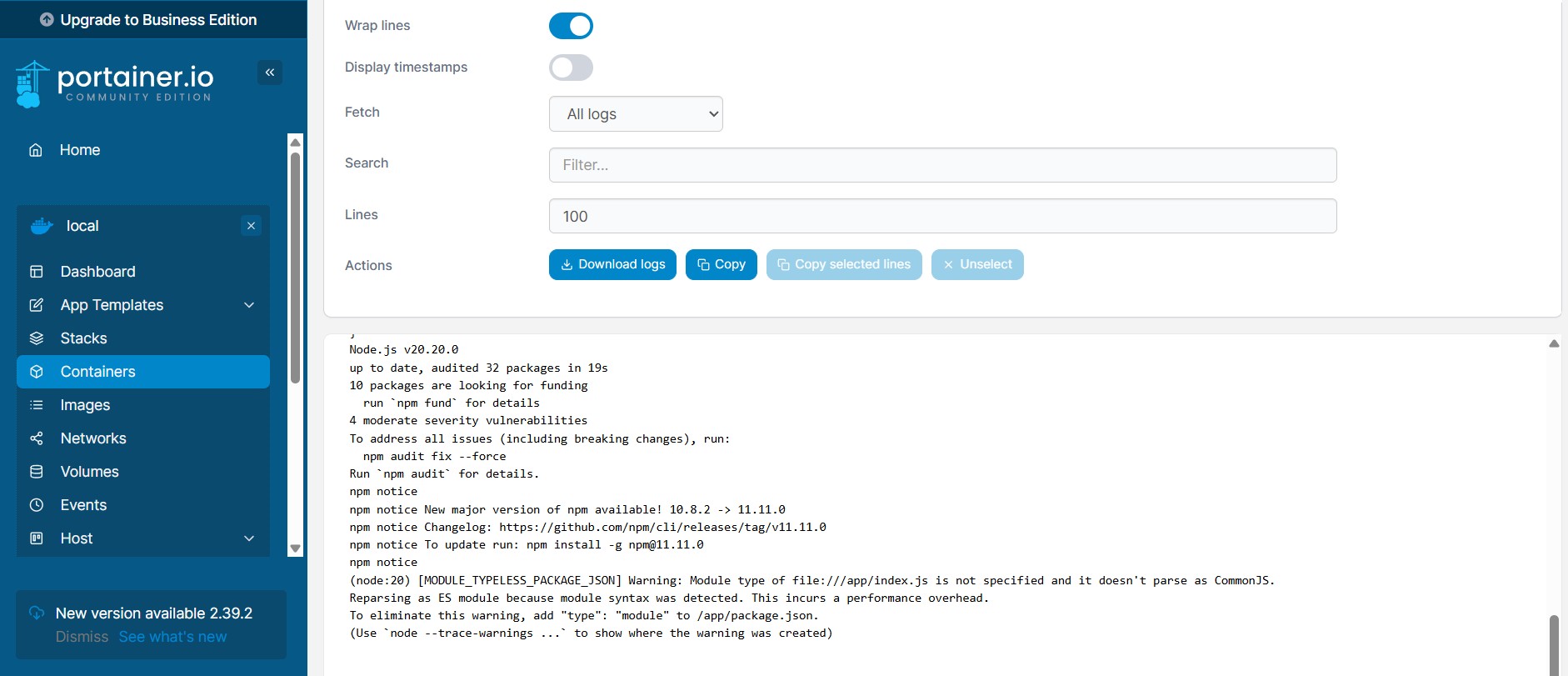
Every voice state change fires a webhook to n8n — containing the user ID, guild ID, channel ID, and whether it was a JOIN or LEAVE event.
👉 docker-compose.yml for Node.js
Step 3 — Discord Bot Configuration
Before the bot works, you need to set it up in the Discord Developer Portal.
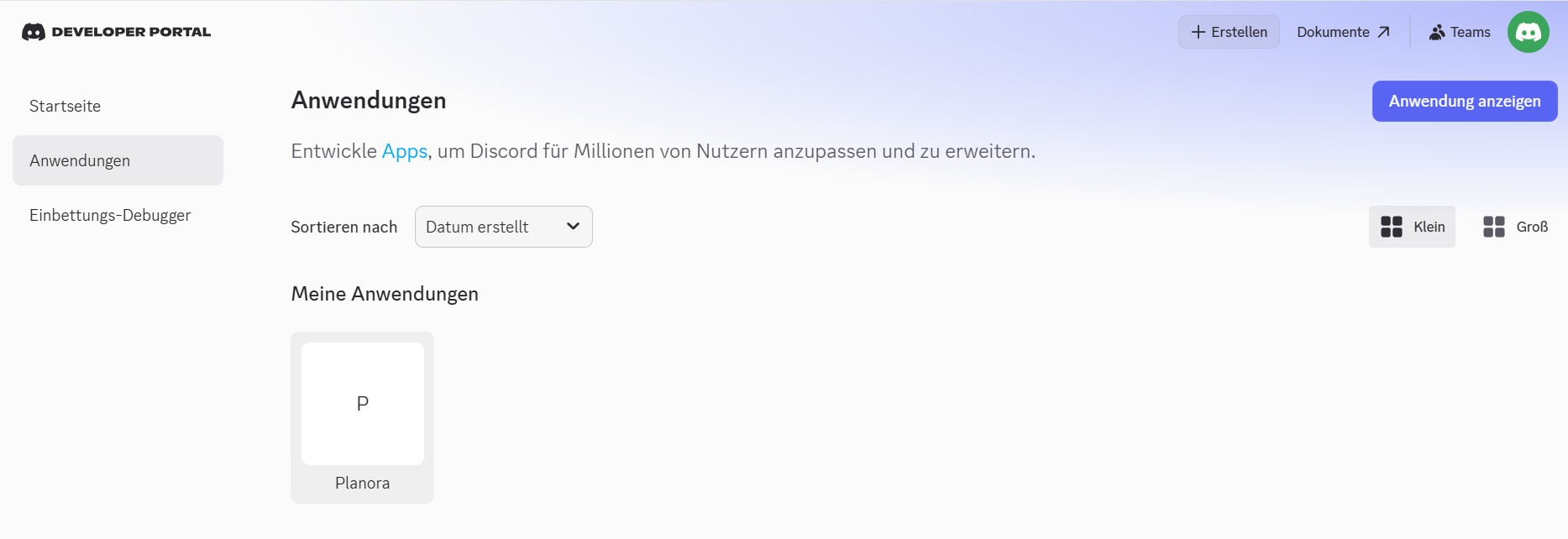
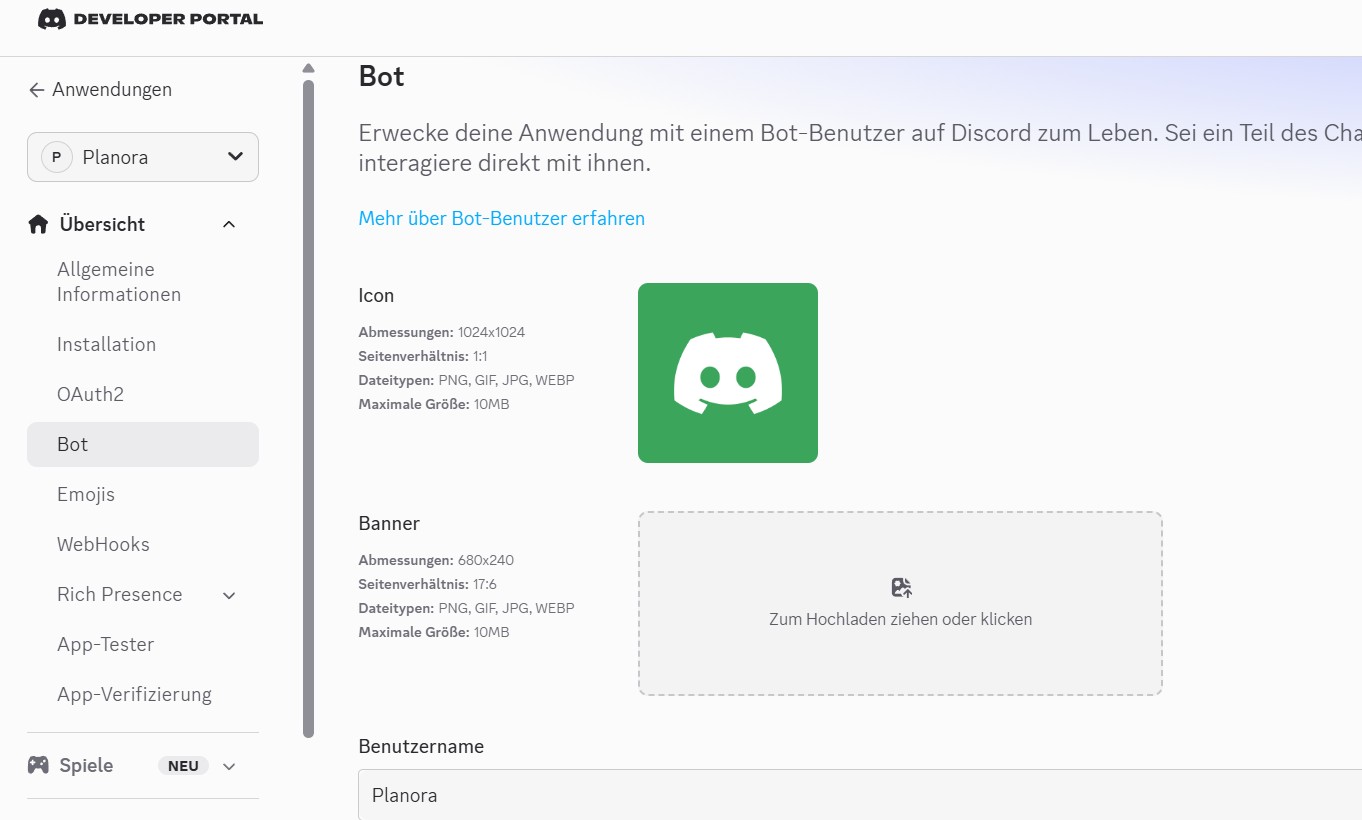
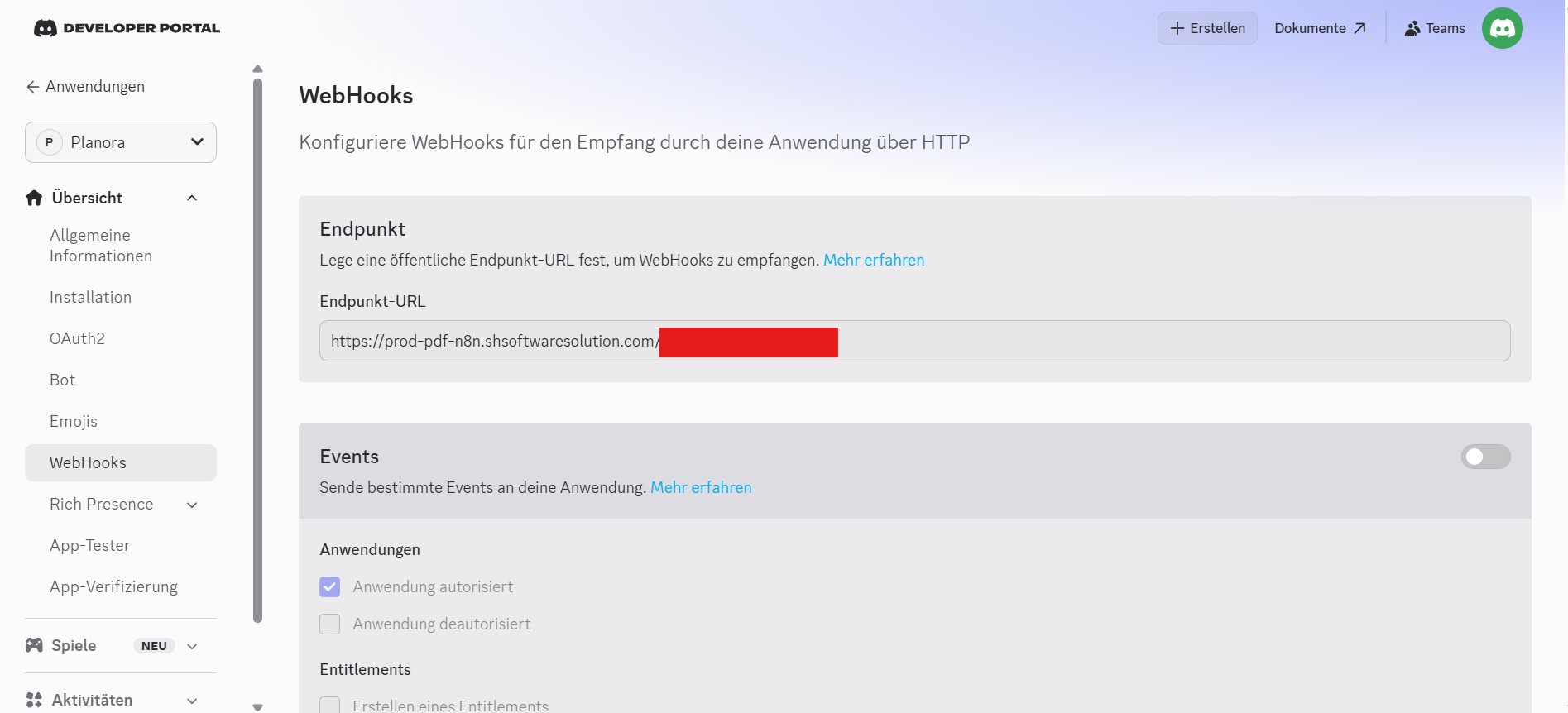
The key setting is enabling the Server Members Intent and Voice States permission. Without that, the bot won't receive voice channel events.
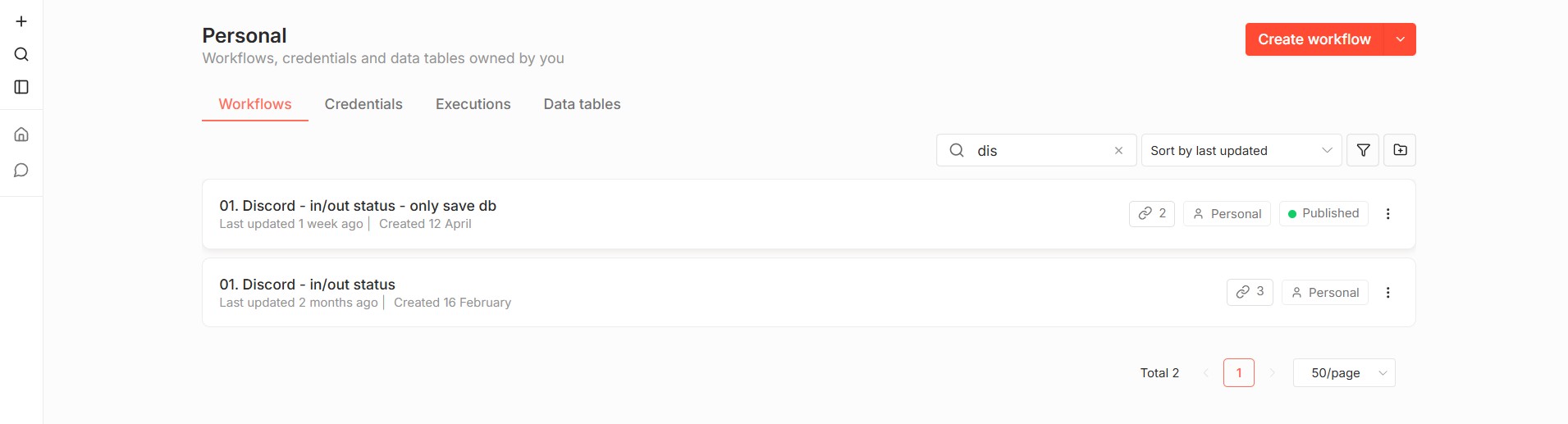
Step 4 — The n8n Workflow
The n8n workflow is the glue between Discord and Oracle. It receives the webhook, checks if the user is known, and calls the Oracle stored procedure to write the event.
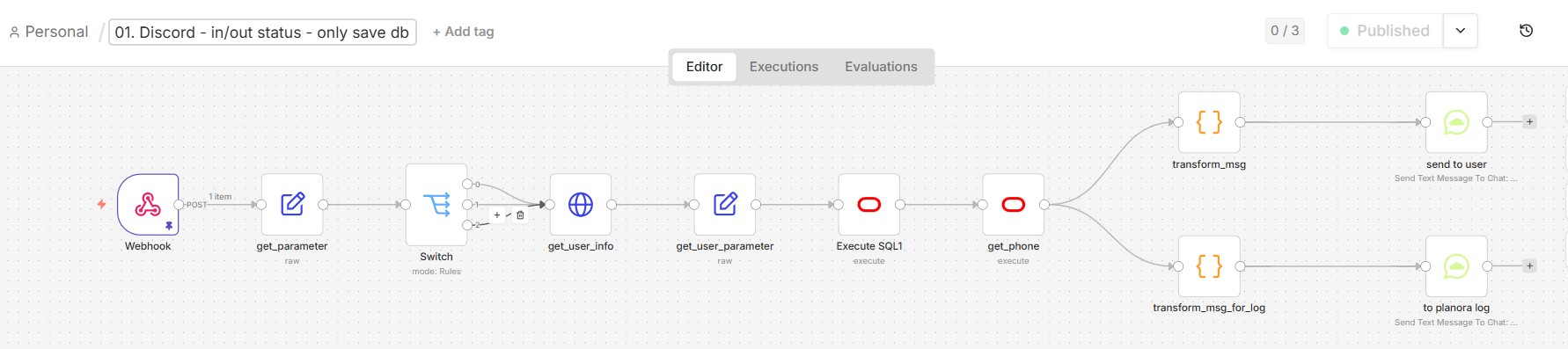
The Oracle node runs a DECLARE...BEGIN...END block that calls our PL/SQL API package directly. The workflow also triggers the WaAPI node to send a WhatsApp notification.
Step 5 — Oracle Database Setup
We store every voice event in a single table: USER_DISCORD_ACTIVITY. The setup runs in two steps — first the sequence, then the table DDL.
-- Run in this order:
-- 01_ddl_sequence.sql
-- 02_ddl_table.sql
All business logic sits in two PL/SQL packages:
PKG_API_USER_DISCORD_ACTIVITY— the data access layer (pure CRUD)PKG_PLOR_DISCORD— the business logic (session pairing, validation, notifications)
This two-layer separation keeps the code clean and maintainable. The n8n workflow only ever calls the business logic package — never touches the table directly.
👉 View all SQL files on GitHub
Step 6 — Oracle APEX Dashboard
This is where it all comes together. The APEX dashboard has three main components:
Daily bar chart — color-coded working hours per day:
- 🟢 Green = 8h+ (target reached)
- 🟠 Orange = 4h–8h (partial day)
- 🔴 Red = under 4h (too few hours)
- ⬜ Gray = no login
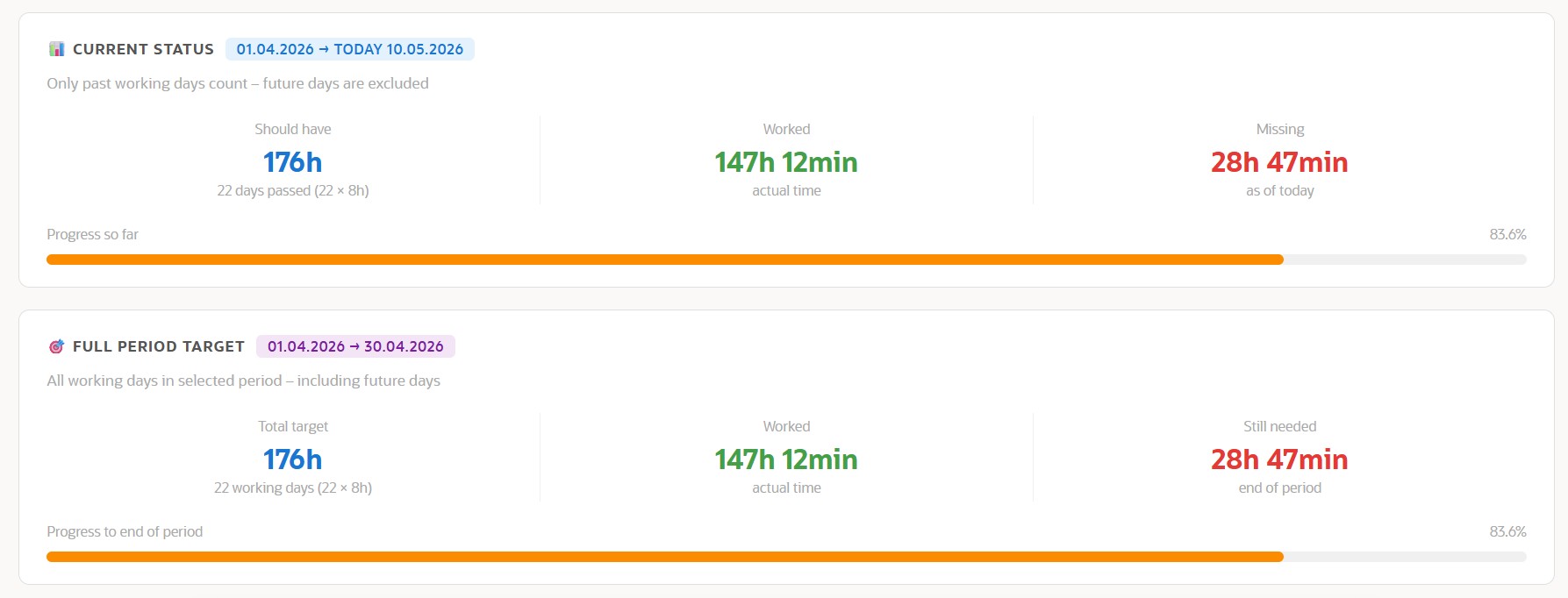
Status cards — current status vs. full period target, with progress bars and overtime/missing hours display.
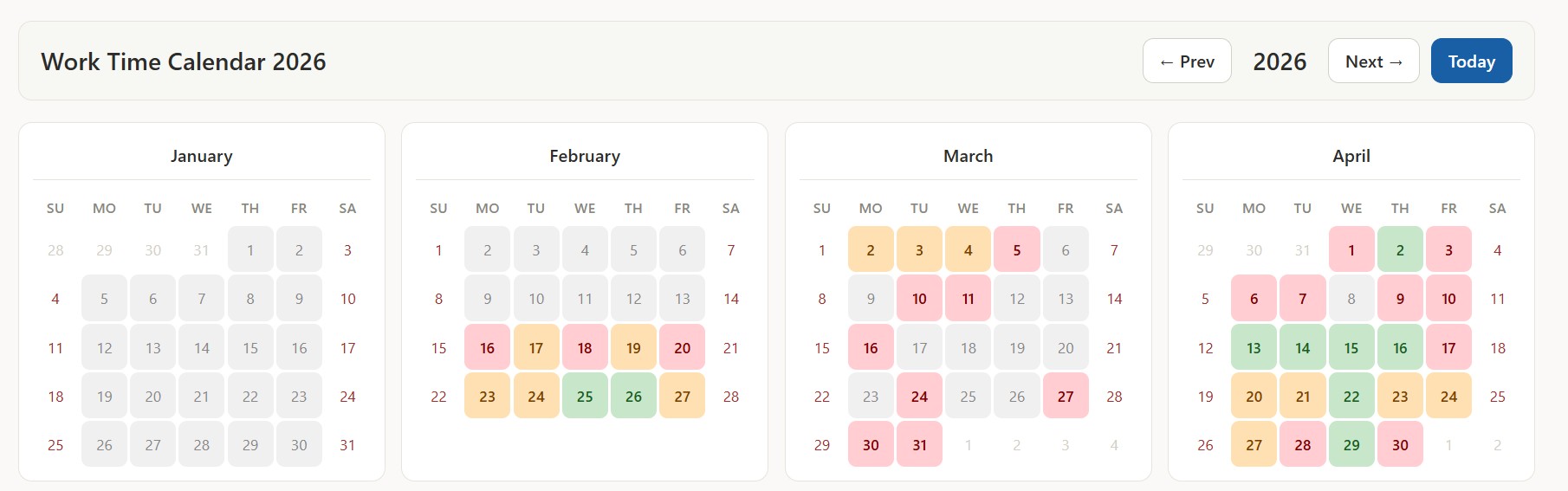
Year calendar heatmap — a full-year overview with navigation between years. Pure vanilla JavaScript rendered client-side from a PL/SQL-generated JSON payload.
All six APEX regions are PL/SQL Dynamic Content regions — no third-party chart libraries, no JavaScript frameworks.
👉 View all APEX SQL files on GitHub
Final Thoughts
This project took a while to get right — especially the session pairing logic in PL/SQL and making sure midnight-spanning sessions get split correctly across day boundaries. But the result is worth it.
Our employees don't do anything different. They just join Discord like always. And we get clean, reliable working hour data — automatically, every day.
If you build something similar or have questions, feel free to reach out or open an issue on GitHub.
👉 github.com/Sajjad-786/discord-timetracker
— Sajjad Hanifa, S&H Software Solutions
Soll ich das jetzt als HTML-Datei für Blogspot speichern, oder willst du zuerst noch etwas anpassen?